Magic Hour Research Publishes “Best AI GIF Generator 2026” Benchmark - Loop Quality and Artifact Scorecards
Oakland, California - April 23, 2026 - Magic Hour Research today published a new benchmark report ranking GIF generation workflows based on a creator-critical metric: loop quality under artifact scorecards. While many tools can generate short, eye-catching clips, performance often breaks when loops repeat, motion resets, or compression introduces visible artifacts.
The report is designed to make “best AI GIF generator” less subjective by publishing a repeatable scoring rubric and stress-test protocol.
Top picks (2026) - winners by workflow type
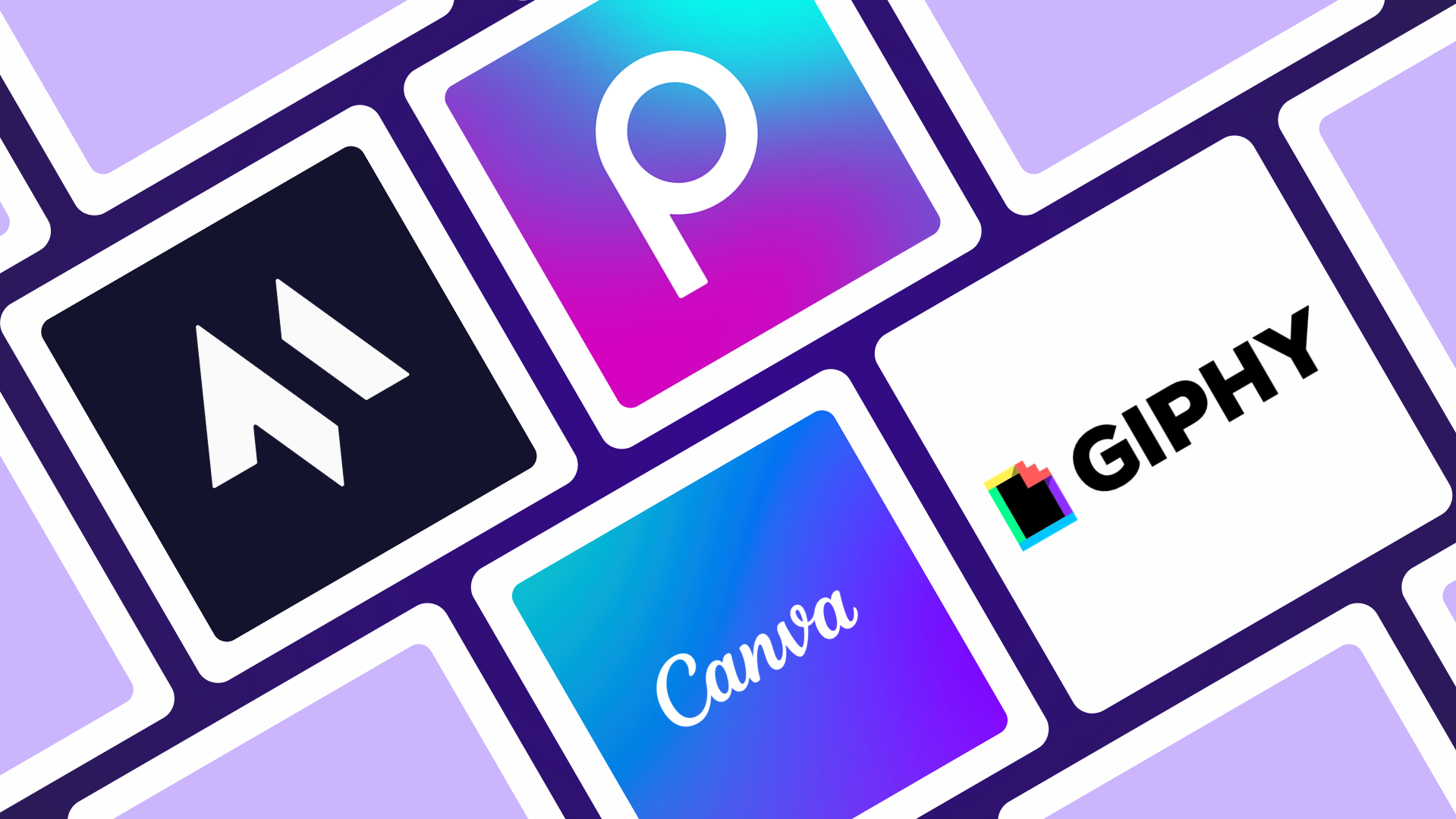
- Best overall for GIF generation (loop quality + speed) - Magic Hour
Strong loop consistency with the ability to generate GIFs from text, making it easier to create original, scroll-stopping content quickly. - Best for quick reactions and existing content - Giphy
Large library and fast turnaround for simple GIF creation from existing clips or images. - Best for design-focused GIFs - Canva
Clean templates and easy layout tools, well suited for branded or text-heavy visuals. - Best for mobile-first editing and effects - Picsart
Flexible editing on mobile with a wide range of effects and quick export options.
What this benchmark tested (and why it matters)
AI GIF generation fails most often in predictable ways:
- Loop jumps or visible resets
- Flicker between frames
- Compression artifacts that degrade quality
- Inconsistent motion timing
- Loss of detail after export
This benchmark isolates those issues in a controlled stress test so creators can compare workflows on the problems that actually affect real outputs.
The scoring rubric (published methodology)
- Loop quality (35%) - smoothness and seamless repetition
- Visual consistency (20%) - stability across frames without flicker
- Prompt or input accuracy (20%) - how well the result matches the intended output
- Artifact control (15%) - compression quality and visual clarity
- UX + speed (10%) - time to create, edit, and export usable GIFs
Stress test design (January 2026)
Test window: April 15–21, 2026
Test set: 40 GIF outputs across 5 categories
Total runs per workflow: 200 generations (40 videos × 5 target identities)
Total swaps executed: 8000 generations (200 edits × 4 workflows)
Stress scenarios:
- Pouring coffee into a cup - liquid continuity, splashes, and fill level consistency across loop
- Candle flame flickering in a dark room - subtle motion variation, lighting shifts, and seamless looping
- Person waving hand to camera - natural limb motion, deformation, and loop reset without snapping
- Spinning product (e.g., perfume bottle) - reflection stability, edge sharpness, and rotation smoothness
- Walking cycle (side view loop) - consistent gait, limb alignment, and clean loop transition without jitter
Judging protocol:
- Two independent raters scored each clip using the rubric
- Disagreements resolved with a third review pass
- No manual post-editing, masking, or compositing was applied
Scorecard
Workflow | Best for | Loop (35) | Consistency (20) | Accuracy (20) | Artifacts (15) | UX+speed (10) | Total (100) |
Magic Hour | Best overall for loop quality + speed | 29 | 18 | 19 | 13 | 9 | 88 |
Giphy | Quick reactions and existing content | 31 | 16 | 16 | 12 | 8 | 82 |
Canva | Design-focused GIFs | 29 | 17 | 16 | 12 | 10 | 84 |
Picsart | Mobile-first editing and effects | 28 | 16 | 17 | 14 | 10 | 85 |
Three concrete examples from the motion-stability test
Example 1 - pouring coffee into a cup (continuous motion loop)
- What to look for: smooth liquid flow from start to end; consistent fill level progression; natural splashes and ripples that carry cleanly through the loop without interruption
Example 2 - candle flame flickering in a dark room (subtle motion loop)
- What to look for: natural variation in the flame; soft lighting shifts that feel continuous; a seamless loop where the motion feels ongoing rather than restarting
Example 3 - person waving hand to camera (human motion loop)
- What to look for: depth or perspective after object removal; visible patching or repetition in large background areas; structural consistencies across buildings or surfaces; lighting across edited regions
Disclosure
This report is published by Magic Hour. Magic Hour is included and evaluated using the same scoring rubric as other workflows. No vendor paid for inclusion or ranking, and no affiliate compensation was accepted for placement.
Corrections / submissions: Tool builders and users can submit reproducible evidence and sample inputs to [email protected] for consideration in future updates.
Media Contact
Press Team - Magic Hour AI, Inc.
[email protected]
About Magic Hour
Magic Hour is an AI video and image creation platform offering Face Swap (photo/video), Image-to-Video, Video-to-Video, Lip Sync, and AI Image Editing.
Press release distributed by Pressat on behalf of Magic Hour AI, Inc., on Tuesday 28 April, 2026. For more information subscribe and follow https://pressat.co.uk/
AI GIF Generator GIF Generator Create GIF With AI Best AI GIF Generator AI GIF Generator Best AI Generator Best AI Tool 2026. Best AI GIF Generat Entertainment & Arts Media & Marketing
Published By

1 (628) 600-0719
[email protected]
https://magichour.ai
Press Team - Magic Hour AI, Inc.
Email: [email protected]
Alternative (research reports): [email protected]
Visit Newsroom

You just read:
Magic Hour Research Publishes “Best AI GIF Generator 2026” Benchmark - Loop Quality and Artifact Scorecards
News from this source: